5.2 Opening a Book
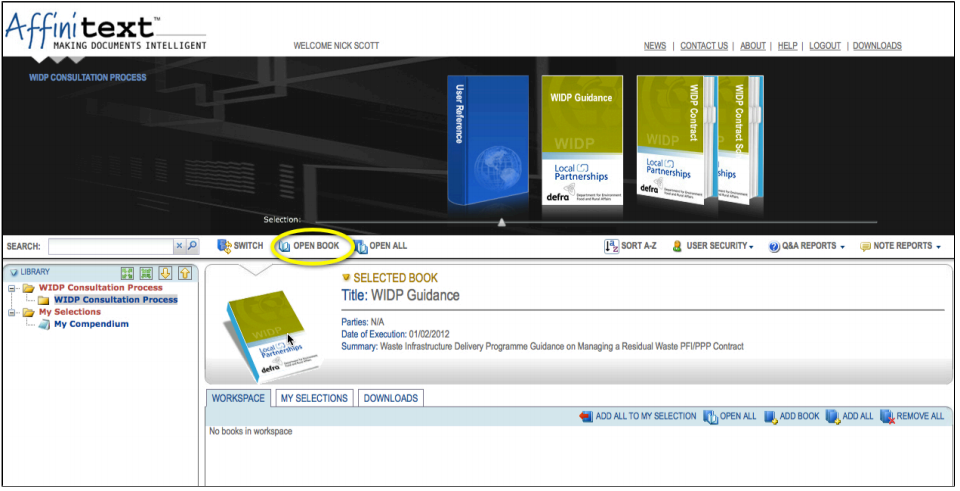
To open Books from the library you first need to select a Category from the Library Homepage. You can do this via the virtual Bookshelf in the center of the screen or using the Library Index on the left hand side of the homepage.
Once you have selected a Category you can open one or all of the Books contained within. To do this you need to click on either "Open Book" or "Open All". The Book(s) will open in a new browser window.