5.6 Searching across the Library
Instead of searching through a book or a collection of books you can also search across the whole library.
On the Main Library Screen, there is a search field where you can enter search terms:
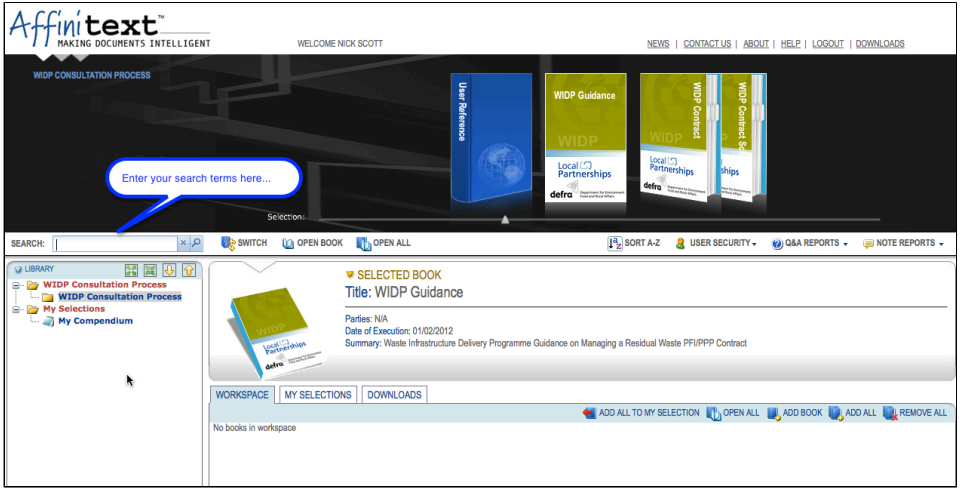
Clicking on the magnifying glass button or pressing Enter will start a search for the search terms across all the books in the library you have access to.
You are taken to the Library Search window:
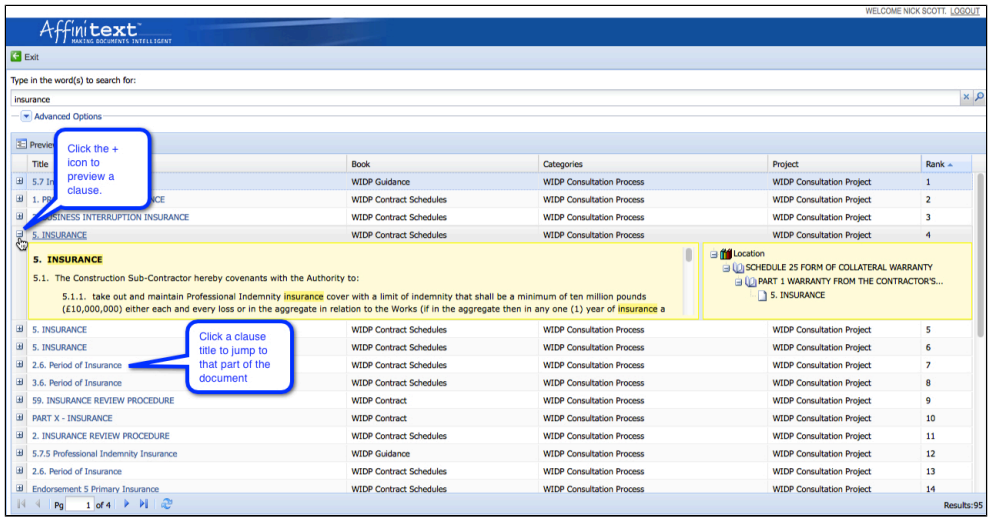
The Library Search window lists all the pages that contain the search terms, the book the page is in, the category and the project the book is in.
|
|
More on searching |
